

Remote technical interviews have transformed hiring in 2026. A striking 85% of remote technical interviews now occur on Google Meet or Microsoft Teams, making platform-specific AI preparation essential. Modern AI tools integrate seamlessly with these platforms, offering real-time assistance while maintaining strict privacy standards. This guide explores how AI-powered interview prep enhances confidence, protects your privacy, and customizes support for technical professionals navigating 2026’s competitive job market.
Table of Contents
- Introduction To Ai-Powered Interview Preparation In 2026
- How Ai Enhances Remote Interview Performance
- Privacy And Security In Ai Interview Tools
- Ai Models And Customization Options For Interview Prep
- Common Misconceptions About Ai Interview Preparation
- Practical Applications And User Scenarios Of Ai Interview Tools
- Maximizing Ai Assistance For Interview Success
- Discover Meetassist For Smarter Ai Interview Preparation
- Frequently Asked Questions About Ai Interview Prep In 2026
Key Takeaways
| Point | Details |
|---|---|
| AI boosts interview performance | Candidates experience a 30-40% increase in confidence and accuracy using AI assistance during live interviews. |
| Privacy protections are robust | Top AI tools encrypt data streams and never record audio or video during sessions. |
| Model selection impacts results | AI models vary from 0.3 to 1.2 seconds in latency and 3 to 10 turns in context retention. |
| AI supplements, never replaces | 85% of experts confirm AI tools enhance preparation but cannot substitute genuine practice. |
| Phone Mode enables discretion | Mobile-synced AI assistance removes all visible traces from computer screens during interviews. |
Introduction to AI-Powered interview preparation guides in 2026
Remote interviews dominate technical hiring landscapes in 2026. The overwhelming majority of technical screenings, coding challenges, and behavioral assessments happen virtually through Google Meet and Microsoft Teams. This shift created unprecedented opportunities for AI-powered preparation tools that integrate directly with these platforms.
Modern AI interview assistants work in real time during live video calls. They listen to interview questions, analyze coding challenges displayed in browser tabs, and generate contextually appropriate responses. Unlike traditional prep resources like mock interviews or study guides, these tools provide active support during actual interview moments.
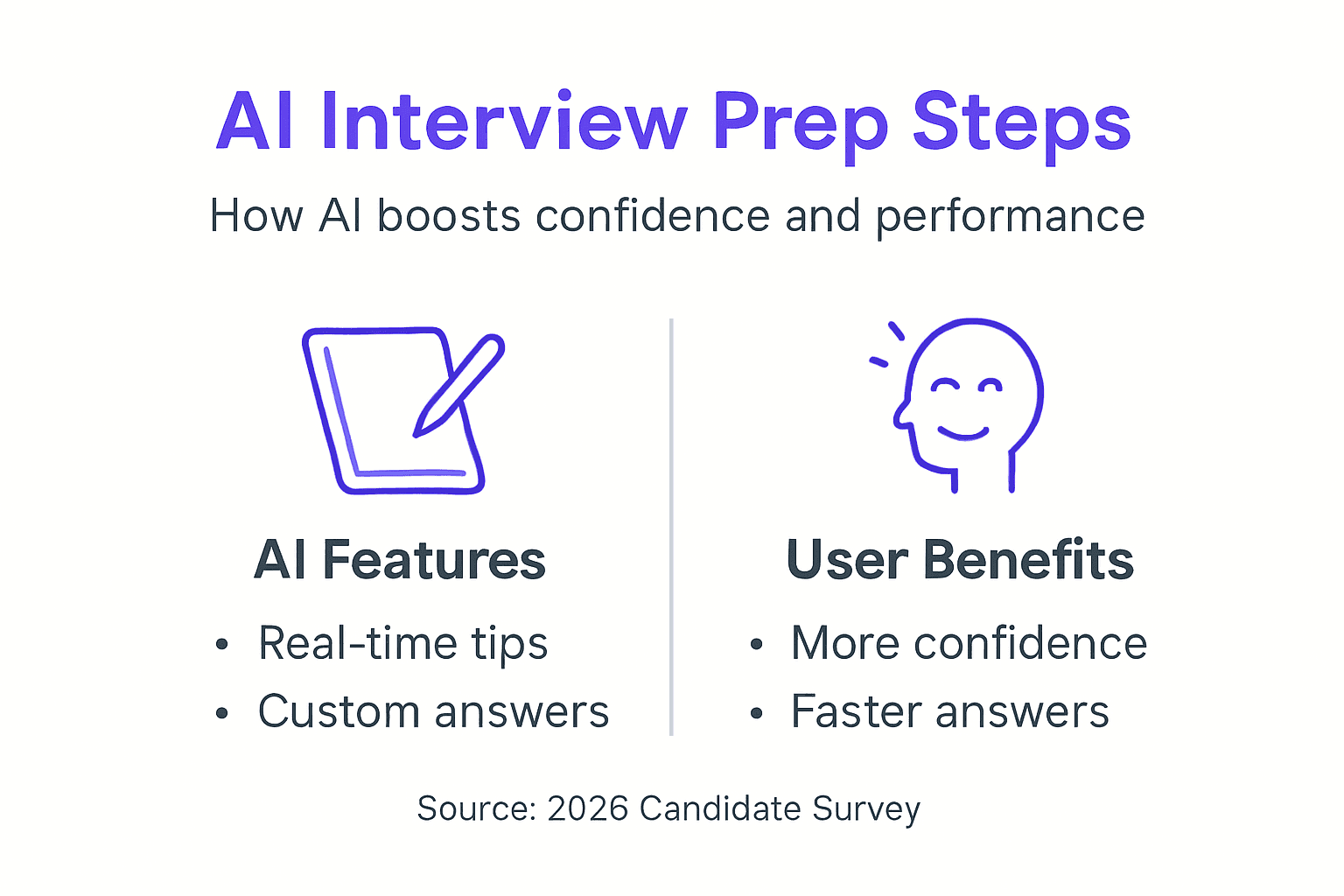
Three critical innovations define 2026 AI interview tools:
- Seamless platform integration with Google Meet, Teams, and web-based assessment portals
- Privacy-first architectures featuring encrypted data streams and zero recording policies
- Real-time assistance that adapts to interview flow and question complexity
These advancements address the core challenge technical candidates face: translating preparation into confident, articulate performance under pressure. AI tools bridge the gap between knowledge and delivery, helping you present your best self during high-stakes conversations.
Pro Tip: Start experimenting with AI interview tools during low-pressure practice sessions. Familiarity with the interface and response patterns builds confidence before actual interviews.
The technical interview preparation landscape has evolved beyond static resources. Confident interview preparation steps now incorporate AI assistance as a standard component, complementing traditional study methods with live performance support.
How AI Enhances Remote Interview Performance
AI interview tools transform candidate performance through three mechanisms: customization, real-time context awareness, and cognitive load reduction. Understanding these factors helps you maximize AI assistance effectiveness.
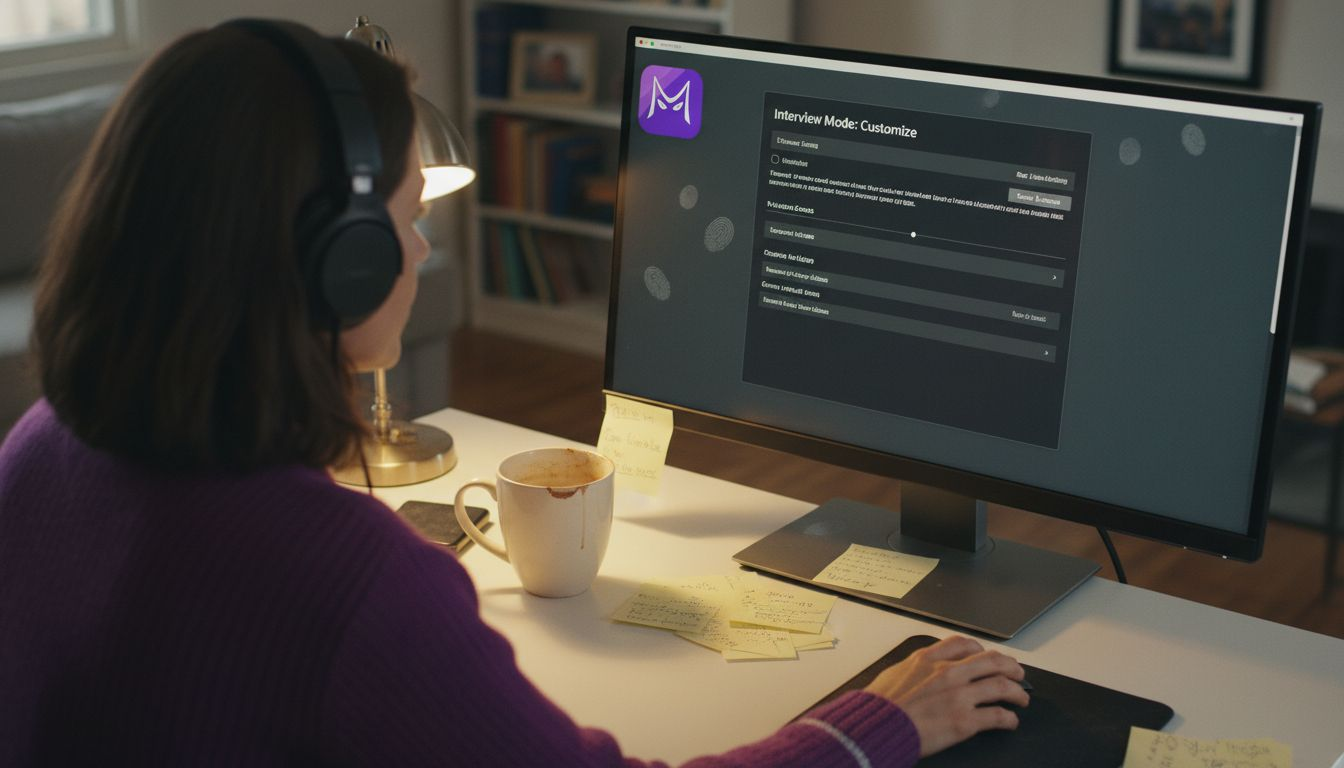
Customizable answer styles let you tailor AI suggestions to specific interview formats. Behavioral interviews benefit from STAR method structuring, while technical discussions often require concise, direct responses. You can configure AI tools to match interviewer expectations and company culture.
Modern AI systems analyze ongoing conversation context. They track question threads, remember earlier discussion points, and generate suggestions that maintain conversational coherence. This context awareness prevents disjointed or repetitive responses that might raise interviewer suspicion.
Users report a 30-40% increase in confidence and accuracy when using AI assistance during interviews. This performance boost stems from reduced anxiety and faster information retrieval. When you know AI can help recall specific project details or technical concepts, mental pressure decreases significantly.
Cognitive load reduction represents perhaps the most valuable benefit. Interviews demand simultaneous processing of questions, formulation of responses, monitoring of body language, and management of nervousness. AI handles information retrieval and response structuring, freeing mental resources for authentic engagement and interpersonal connection.
Key performance enhancements include:
- Faster response formulation without awkward pauses
- Improved answer structure and logical flow
- Better incorporation of relevant experience and technical details
- Reduced anxiety about forgetting crucial information
Pro Tip: Upload your resume to AI interview tools before sessions. This enables personalized suggestions that reference your actual experience, making responses more authentic and detailed.
The real-time AI impact on interviews extends beyond answer quality. Candidates report feeling more present and engaged when AI handles information retrieval. Advanced AI voice assist technologies continue evolving to provide even smoother, more natural support.
Privacy and Security in AI Interview Tools
Privacy concerns represent the primary barrier to AI interview tool adoption. Candidates worry about data leaks, recorded sessions, or visible on-screen indicators that reveal AI use. Understanding modern privacy protections addresses these legitimate concerns.
Top-tier AI tools do not record audio or video. They process audio streams in real time without storage. Once interview sessions end, conversation data is immediately discarded. This architecture eliminates the risk of compromising recordings.
Encrypted data streaming protects all information transmitted between your device and AI servers. End-to-end encryption ensures that even if network traffic were intercepted, conversation content would remain unreadable. This security standard matches banking and healthcare applications.
Phone Mode innovation completely removes AI presence from computer screens. After scanning a QR code with your phone, all AI transcripts, suggestions, and controls transfer to your mobile device. Your computer display shows only the video call interface, with zero visible indicators of AI assistance.
Additional privacy features include:
- No data sharing with third parties or advertisers
- Optional account deletion that removes all historical data
- Automatic session termination after interview completion
- No tracking cookies or persistent identifiers
Phone Mode particularly benefits candidates in industries with strict technology policies. Regulated sectors like finance, healthcare, or government often prohibit visible assistance tools. Mobile-based AI provides support without triggering policy violations or raising interviewer suspicion.
The MeetAssist privacy features exemplify current industry standards. Privacy-conscious design builds user trust and ensures candidates can focus on interview performance rather than worrying about data exposure. Understanding AI tools privacy standards helps you evaluate different solutions and choose appropriately secure options.
AI Models and Customization Options for Interview Prep
Three leading AI models power most interview assistance tools in 2026: GPT-4.1, Claude, and Gemini. Each offers distinct performance characteristics that affect live interview usefulness.
AI models differ in latency from 0.3 to 1.2 seconds and context retention capabilities. These technical specifications directly impact how naturally AI suggestions flow during conversations.
| Model | Average Latency | Context Retention | Best Use Case |
|---|---|---|---|
| GPT-4.1 | 0.3 seconds | Up to 10 conversation turns | Fast-paced technical discussions |
| Claude | 0.8 seconds | Up to 7 conversation turns | Balanced privacy and performance |
| Gemini | 1.2 seconds | Up to 3 conversation turns | Concise, direct answer styles |
GPT-4.1 delivers the fastest response generation and longest context memory. This combination excels in complex technical interviews where questions build on previous answers. The model tracks conversation threads effectively, preventing contradictory or repetitive suggestions.
Claude balances privacy considerations with solid performance. Its moderate latency suits most interview paces, while strong context retention supports multi-part questions. Privacy-focused candidates appreciate Claude’s data handling practices.
Gemini provides concise, efficient responses with slightly higher latency. This model works well for candidates who prefer bullet-point style answers or face rapid-fire screening questions. The shorter context window matters less in brief initial screenings.
Customization options extend beyond model selection:
- Answer style configuration (STAR method, concise, detailed, bullet points)
- Resume upload for personalized response suggestions
- Industry-specific terminology and jargon preferences
- Formality level adjustments matching company culture
Pro Tip: Test different AI models during practice interviews. Latency tolerance and context needs vary by individual preference and interview style.
The right model choice depends on interview format and personal comfort. Google interview AI preparation might favor GPT-4.1’s speed for algorithm discussions, while behavioral interview guide prep could leverage Claude’s balanced approach. Compare AI model performance against your specific interview types.
Common Misconceptions About AI Interview Preparation
Several persistent myths about AI interview tools create confusion and unrealistic expectations. Addressing these misconceptions helps you use AI assistance effectively and ethically.
Myth: AI tools replace preparation and practice. Reality: 85% of experts agree AI supplements, not replaces, candidate preparation. You still need foundational knowledge, practice articulating ideas, and genuine understanding of technical concepts. AI assists with recall and structuring, not learning.
Candidates who skip preparation and rely solely on AI perform poorly. Interviewers detect shallow understanding through follow-up questions and technical deep dives. AI cannot compensate for lack of genuine expertise or experience.
Myth: AI assistance compromises privacy through recording or data collection. Reality: Modern AI interview tools use encrypted streaming without storage. They process audio in real time, then immediately discard data. Phone Mode eliminates all on-screen indicators, making AI presence completely invisible.
Myth: All AI models perform equally in live interviews. Reality: Model selection significantly affects user experience. Latency differences between 0.3 and 1.2 seconds create noticeably different interaction flows. Context retention spanning 3 versus 10 conversation turns changes how effectively AI tracks complex multi-part questions.
Myth: Using AI assistance constitutes cheating. Reality: Interview preparation has always involved external resources. Mock interviews, study guides, and coaching services all provide support. AI tools represent the next evolution in preparation technology, helping candidates present knowledge they already possess.
Additional misconceptions to avoid:
- Believing AI guarantees interview success regardless of qualifications
- Assuming interviewers can detect well-implemented AI assistance
- Thinking AI works equally well across all interview formats and industries
- Expecting AI to generate accurate responses about your specific experience without resume data
Pro Tip: Frame AI tools as confidence boosters rather than crutches. They help you access knowledge under pressure, not replace the knowledge itself.
Understanding realistic AI preparation expectations prevents disappointment and promotes effective use. AI assists with performance anxiety and information retrieval, but cannot substitute for genuine technical competence and interview preparation.
Practical Applications and User Scenarios of AI Interview Tools
Real-world AI interview tool applications demonstrate how candidates integrate these technologies into actual interview workflows. These scenarios illustrate practical implementation beyond theoretical benefits.
Phone Mode represents the most popular discreet assistance method. The workflow involves:
- Install the Chrome extension and complete initial setup
- Start your video interview on Google Meet or Teams
- Scan the QR code displayed in the extension with your phone
- All AI transcripts, suggestions, and controls transfer to your mobile device
- Your computer screen shows only the video call with zero visible AI indicators
This approach lets you glance at your phone naturally during interviews, similar to checking notes. Phone Mode enables discreet mobile AI control without arousing interviewer suspicion.
Live coding challenge assistance leverages browser tab analysis. When interviewers share coding problems through platforms like HackerRank or LeetCode, AI can analyze the visible browser content from your phone. You receive algorithm suggestions, syntax reminders, and optimization tips without switching windows or visible screen changes.
Technical assessment scenarios include:
- System design interviews where AI suggests architecture patterns and trade-off considerations
- Behavioral questions receiving STAR method structured response frameworks
- Technical terminology recall when discussing complex frameworks or methodologies
- Debugging assistance during live coding sessions
Integration with major platforms ensures seamless operation across interview contexts. Whether you interview through Google Meet for a startup role or Microsoft Teams for an enterprise position, AI assistance functions identically. Platform-agnostic design eliminates learning curves between different interview setups.
Candidates also use AI tools for:
- Mock interview practice with immediate feedback on response quality
- Pre-interview research assistance for company-specific preparation
- Post-interview analysis to identify improvement areas
- Negotiation conversations requiring confident, structured communication
The step-by-step AI-assisted interview prep process combines traditional preparation with AI tool familiarization. This integrated approach maximizes both knowledge foundation and live performance capability.
Maximizing AI Assistance for Interview Success
Effective AI interview tool usage requires strategic integration with traditional preparation methods. These best practices optimize results and ensure ethical, confident implementation.
Customize AI tools to match your personal communication style and interview context. Configure answer formats that feel natural when you speak them aloud. STAR method responses suit behavioral questions, while concise technical explanations work better for algorithm discussions. Test different configurations during practice sessions to find optimal settings.
Prioritize privacy-conscious solutions that align with your comfort level and industry requirements. Evaluate AI tools based on:
- Data encryption and non-recording policies
- Phone Mode or similar discreet assistance features
- Clear privacy policy documentation
- No data sharing with third parties
Combine AI assistance with thorough independent study and practice. Use AI as a safety net that reduces anxiety, not as a replacement for genuine preparation. This balanced approach builds authentic confidence rooted in real knowledge.
Implementation strategy:
- Spend 80% of preparation time on traditional study and mock interviews
- Dedicate 20% to familiarizing yourself with AI tool interfaces and response patterns
- Practice with AI enabled so the assistance feels natural during actual interviews
- Review AI suggestions critically to ensure they match your experience and knowledge
Pro Tip: Record practice interviews with AI assistance enabled. Playback reveals whether responses sound natural or robotic, helping you calibrate AI reliance appropriately.
Remember that interviewers evaluate authenticity and genuine enthusiasm alongside technical competence. Over-reliance on AI-generated responses can make you sound scripted or disconnected. Use AI to enhance your natural communication, not replace it.
The most successful candidates view AI tools as confidence amplifiers. They reduce the mental burden of perfect recall under pressure, letting you focus on building rapport and demonstrating problem-solving approaches. This psychological benefit often outweighs the tactical advantage of better-structured answers.
Approach confident preparation with AI as an integrated strategy. Balance technology assistance with human preparation elements like networking, company research, and self-reflection on career goals and experiences.
Discover MeetAssist for Smarter AI Interview Preparation
Ready to transform your interview performance with AI assistance designed specifically for 2026’s remote hiring landscape? MeetAssist provides the privacy-focused, customizable support technical professionals need to excel in Google Meet and Microsoft Teams interviews.

MeetAssist integrates seamlessly with major video platforms, offering real-time AI suggestions while maintaining strict privacy standards. Your conversations are never recorded, all data streams are encrypted, and Phone Mode removes every visible trace from your computer screen. Choose from multiple AI models including GPT-4.1, Claude, and Gemini to match your latency and context retention preferences.
Customize answer styles from STAR method to bullet points, upload your resume for personalized responses, and practice with confidence knowing your privacy remains protected. Whether you face behavioral screenings, technical coding challenges, or system design discussions, MeetAssist adapts to your specific interview context.
Explore comprehensive confident interview preparation steps and detailed step-by-step interview preparation guides to maximize your success. Join thousands of technical professionals who have boosted their interview confidence with AI assistance tailored for 2026’s competitive job market.
Frequently Asked Questions About AI Interview Prep in 2026
Which video platforms work with AI interview assistance tools?
Most modern AI interview tools integrate with Google Meet and Microsoft Teams, the platforms hosting 85% of remote technical interviews in 2026. Many also support Zoom, WebEx, and browser-based assessment platforms. Check specific tool compatibility before important interviews.
Do AI interview tools record my conversations or store personal data?
Reputable AI interview assistants do not record audio or video. They process conversation streams in real time using encryption, then immediately discard data after generating suggestions. Look for tools with explicit no-recording policies and end-to-end encryption.
How do I customize AI answer styles for different interview types?
Most AI tools offer multiple response formats including STAR method for behavioral questions, concise technical explanations, detailed elaborations, and bullet points. You can switch styles mid-interview or set defaults for specific interview contexts. Upload your resume for personalized suggestions that reference actual experience.
What is typical AI latency and how does it affect live interviews?
AI models respond between 0.3 and 1.2 seconds after questions complete. GPT-4.1 offers fastest performance at 0.3 seconds, while Gemini averages 1.2 seconds. Lower latency feels more natural during fast-paced technical discussions. Test different models to find comfortable response timing.
Can I combine AI assistance with traditional interview preparation?
Absolutely. The most successful candidates spend 80% of preparation on traditional study, mock interviews, and company research, then use AI as a 20% confidence booster during actual interviews. AI supplements knowledge recall under pressure but cannot replace genuine technical competence and practice.
How does Phone Mode keep AI assistance invisible during interviews?
Phone Mode transfers all AI transcripts, suggestions, and controls to your mobile device after scanning a QR code. Your computer screen displays only the video call interface with zero visible indicators of AI presence. You can glance at your phone naturally, similar to referencing notes, without arousing interviewer suspicion.
Recommended
- Confident Interview Preparation Steps for Technical Success – MeetAssist | MeetAssist
- Step by Step Interview Preparation for Coding Success – MeetAssist | MeetAssist
- 6 Essential Behavioral Interview Tips for Developers – MeetAssist | MeetAssist
- How to Prepare for a Google Interview Using Real-Time AI Assistance
- AI Career Tips for Developers | Blog